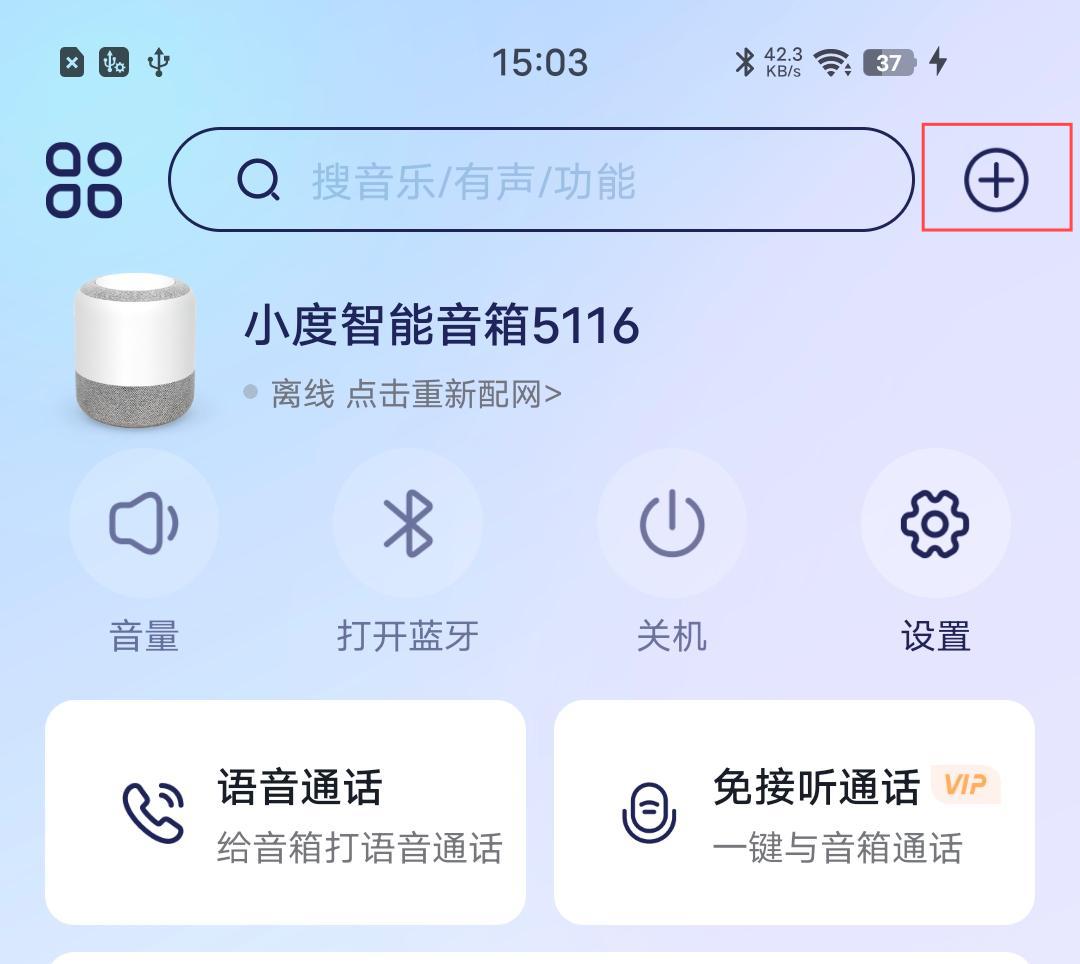
Step 1: Open Xiaodu Speaker APP
1. Click the plus sign in the upper right corner
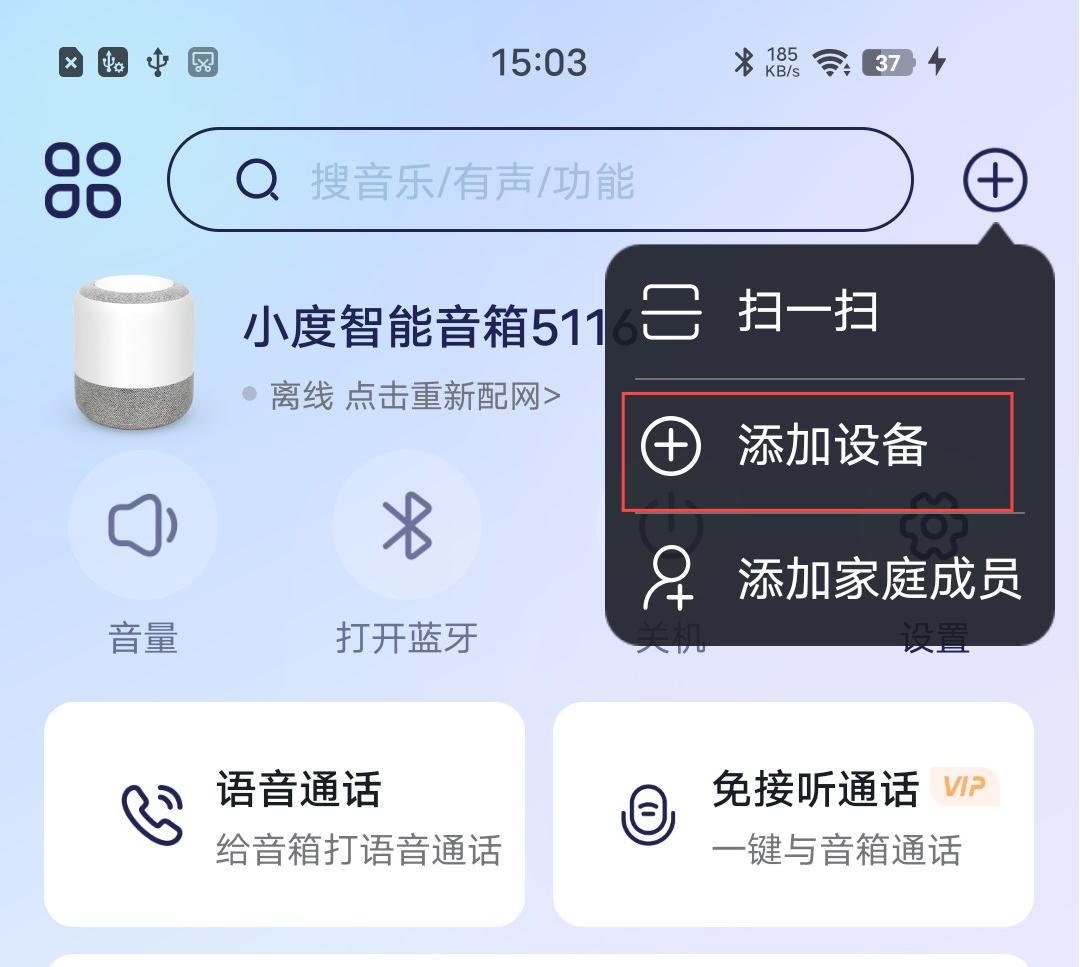
2. Select the "添加设备" button
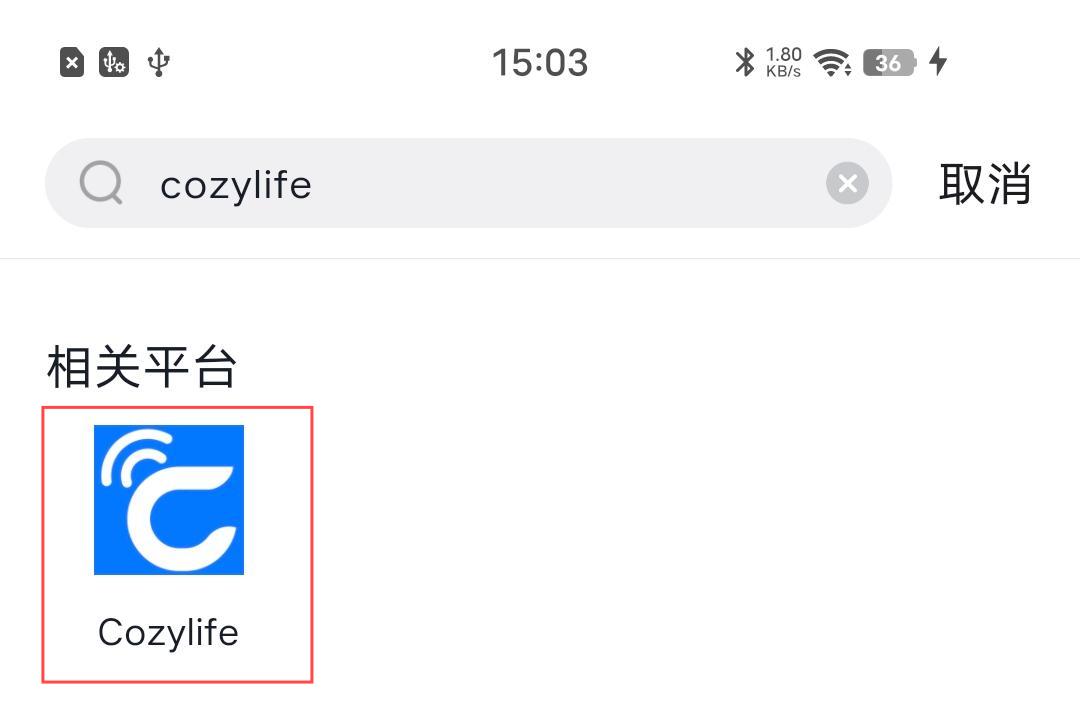
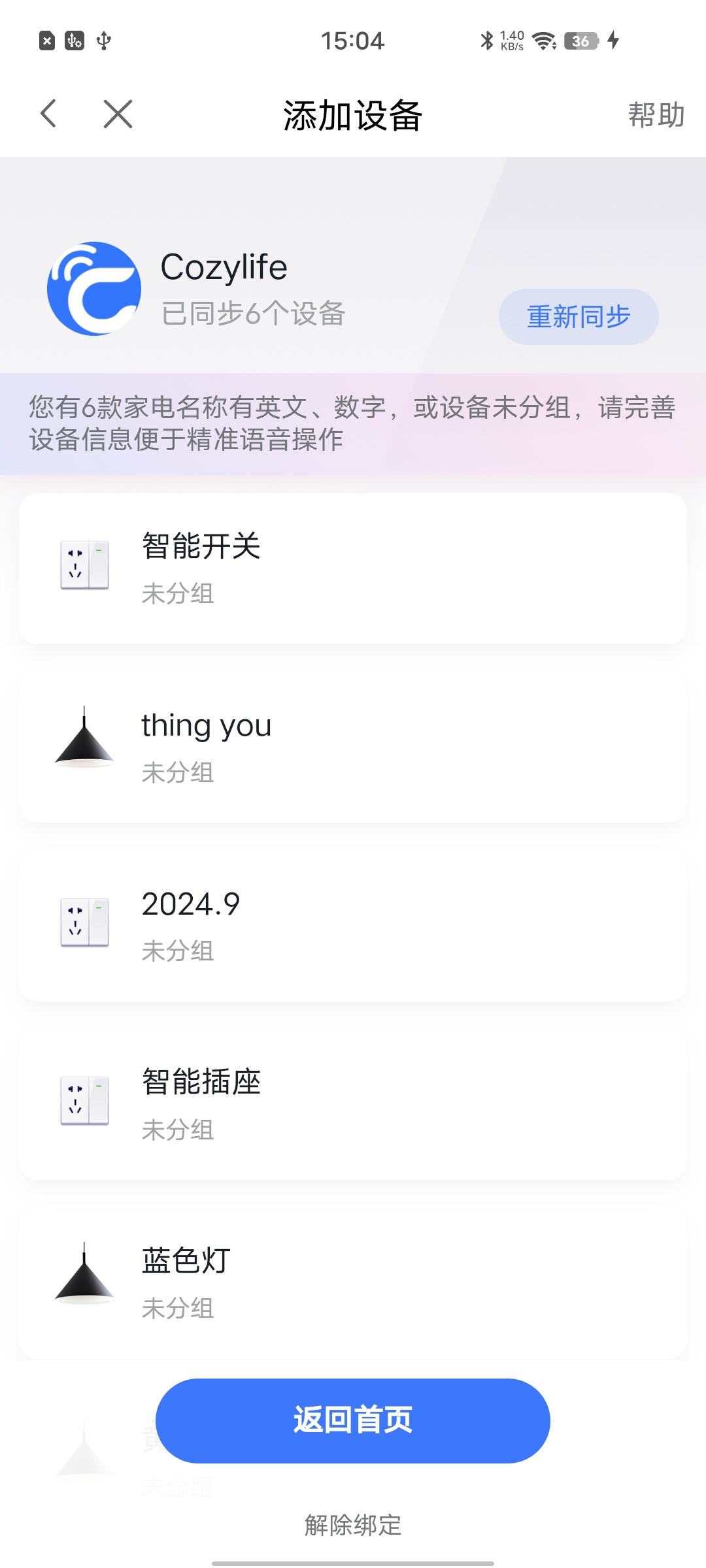
3. Search for "CozyLife" in the brand list and click to enter the CozyLife introduction page
Step 2: Bind account
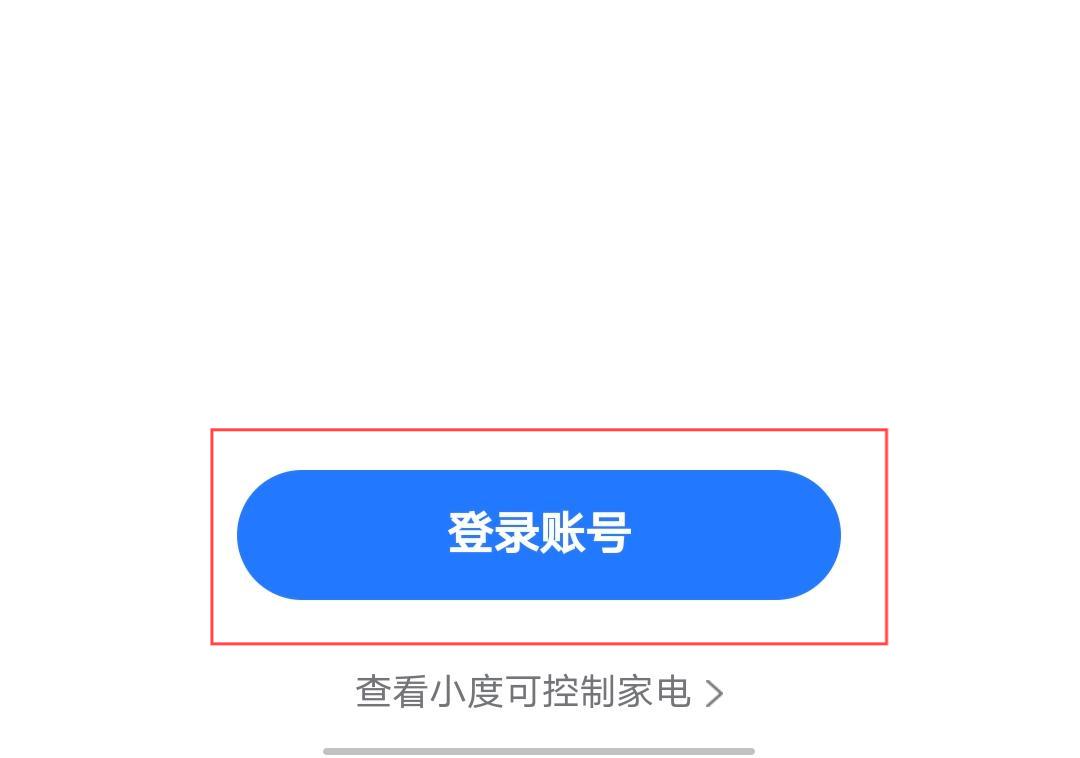
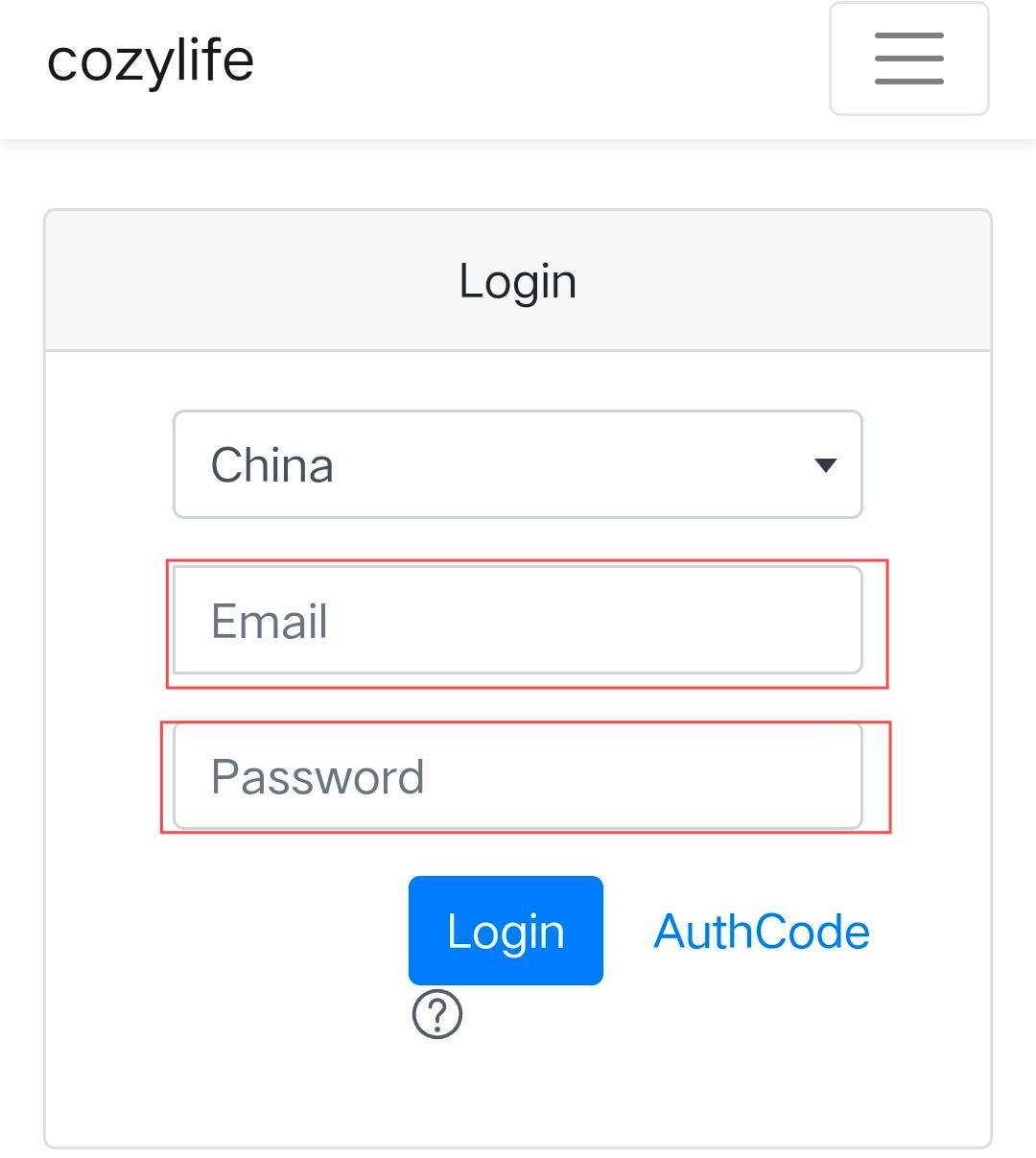
1. Click "登录账号"
2. Enter the account information of CozyLife APP
3. Return to the smart home main page and refresh to display the device list under the account
Step 3: Control the device
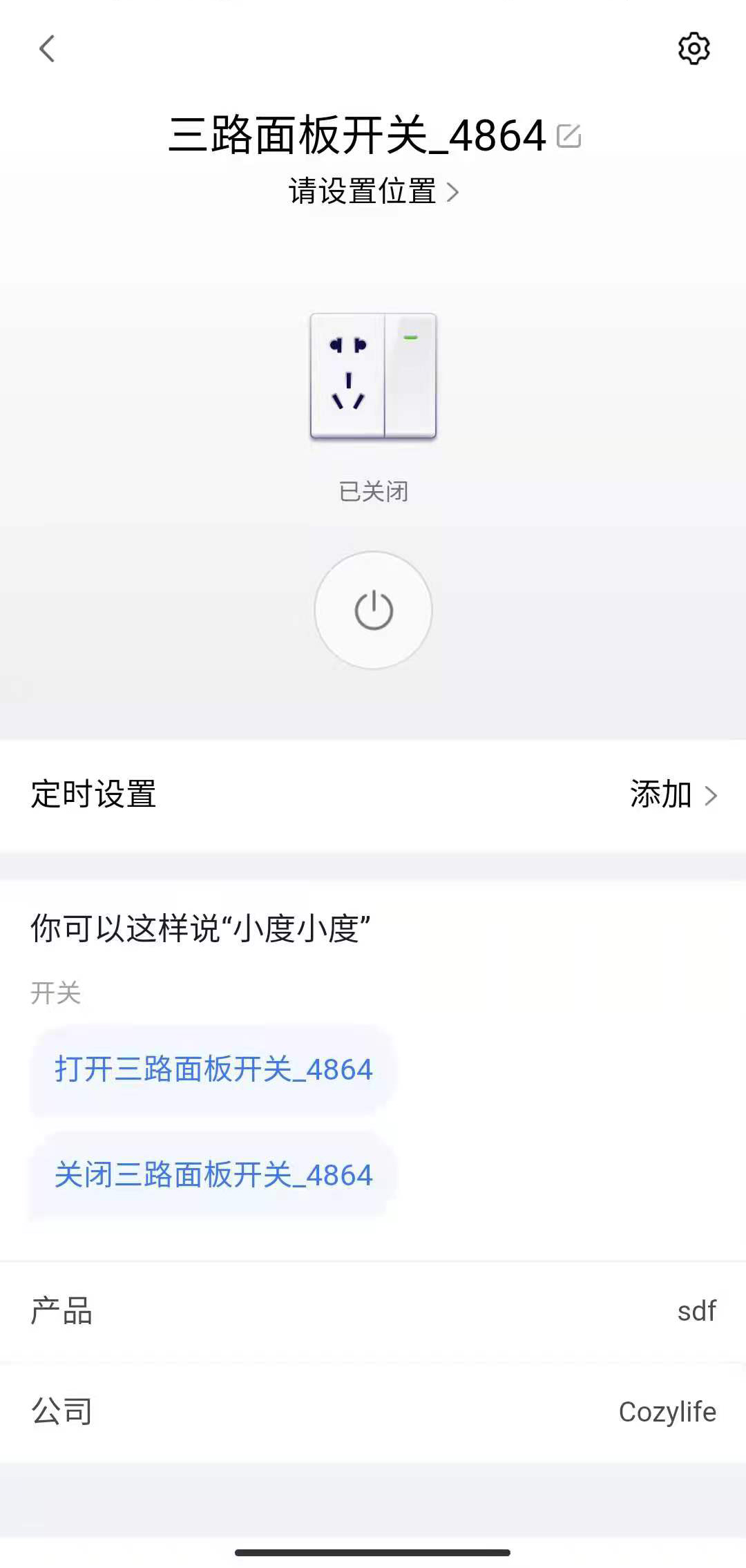
1. Now you can use Xiaodu speaker to control your device. At the same time, Xiaodu speaker supports grouping function under the "Device Details" menu