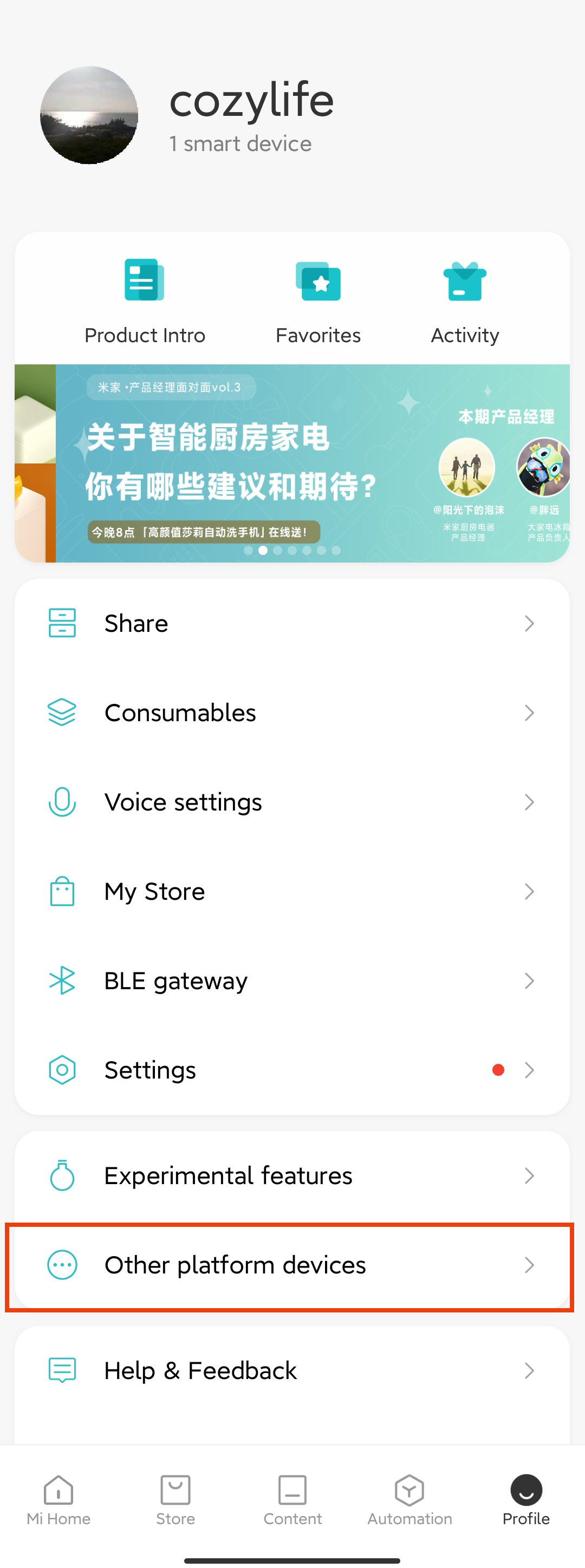
Step 1: Open Mi Home APP
1.Tap "Profile"
2.Select "Other platform devices"
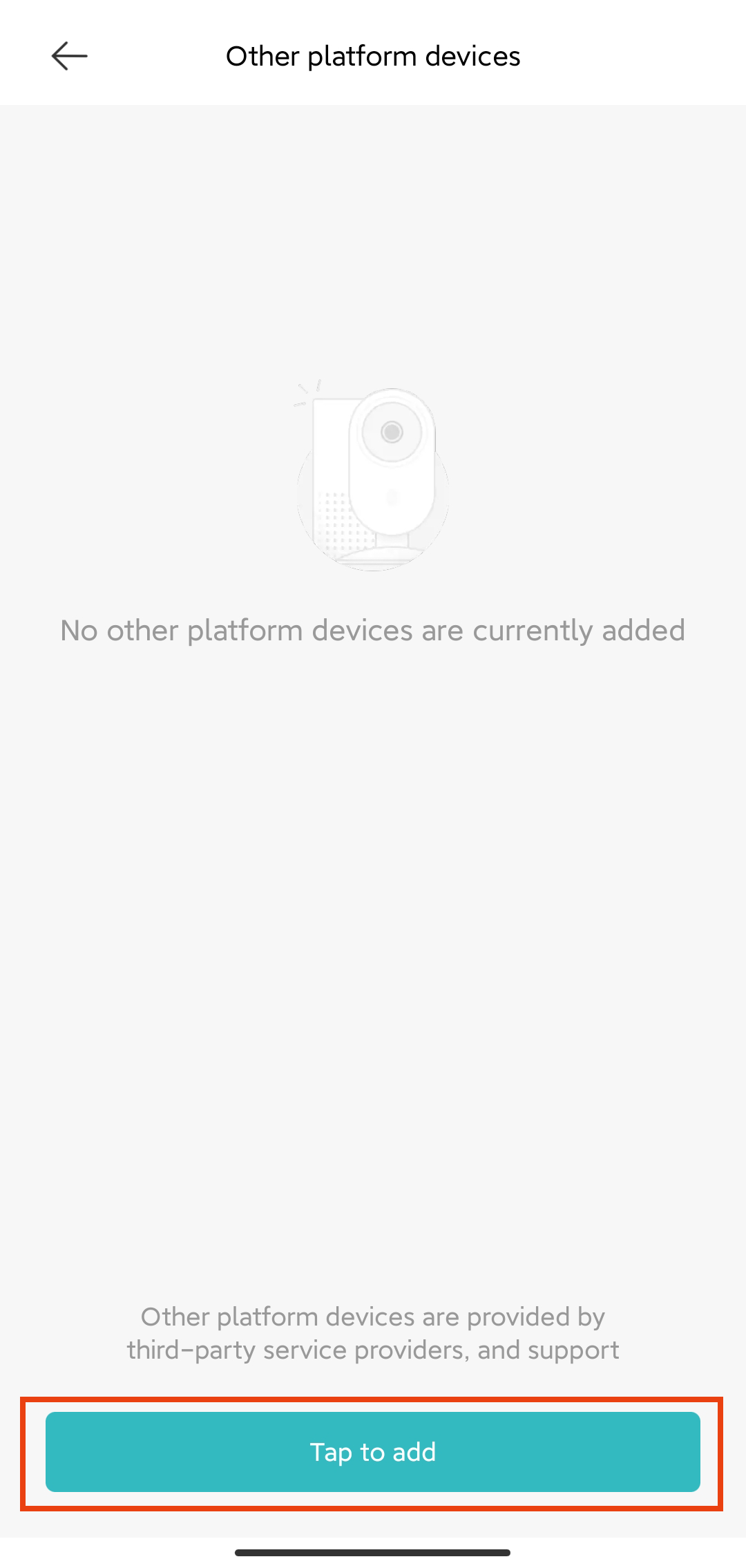
Step 2: Bind account
1.Tap Add to find "CozyLife" in the pop-up list
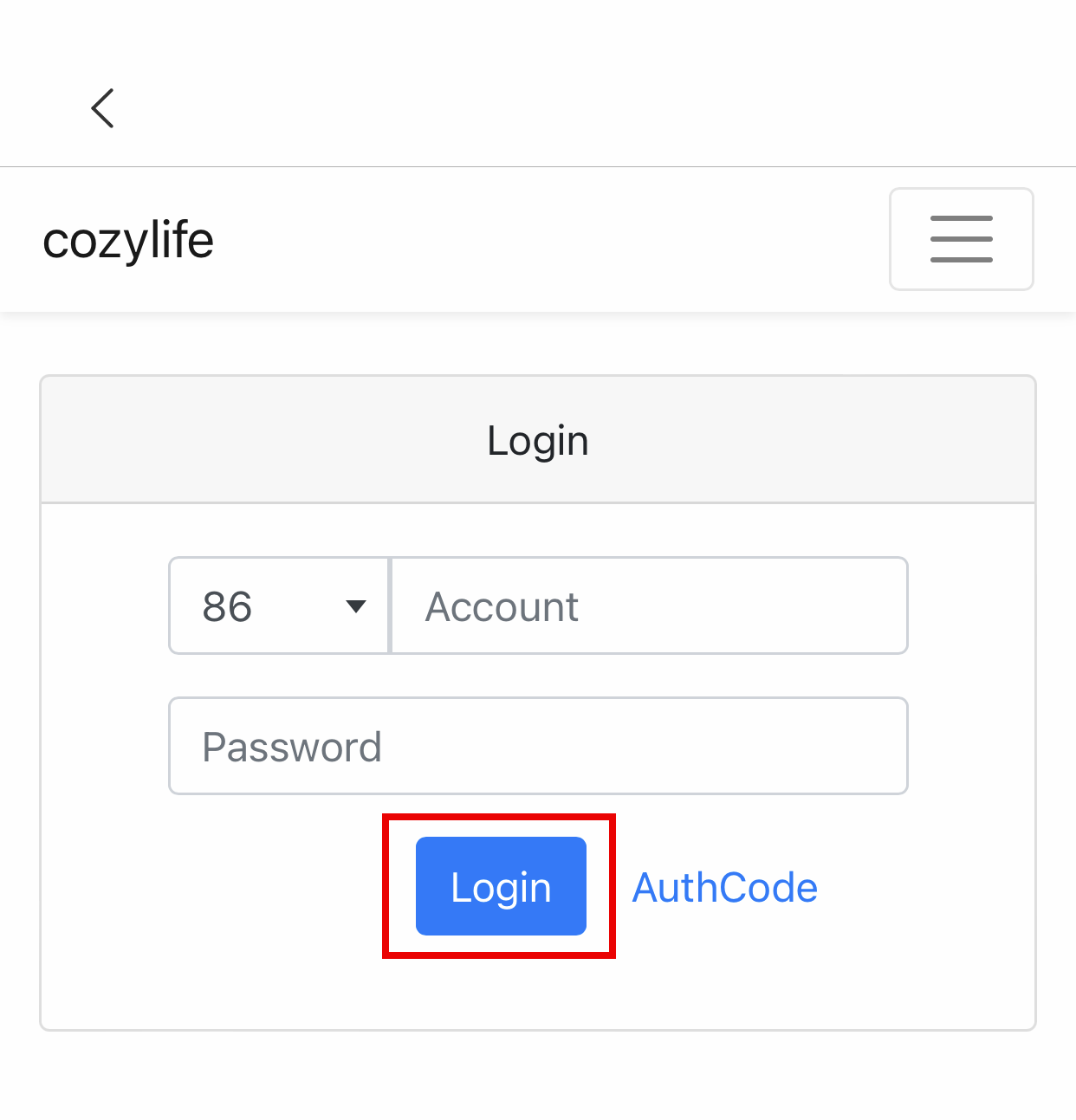
2.Select the binding account and enter the binding account information of CozyLife app. After binding, you can use Xiaoai to control your device
Some of the instructions supported by Xiaoai are as follows (take lamps as an example):
打开 [设备名字]
关闭 [设备名字]
把 [设备名字] 调亮一点
把 [设备名字] 调成 蓝色 (黄/绿/白/青/紫/橙…)
把 [设备名字] 亮度调到30 (0-100)